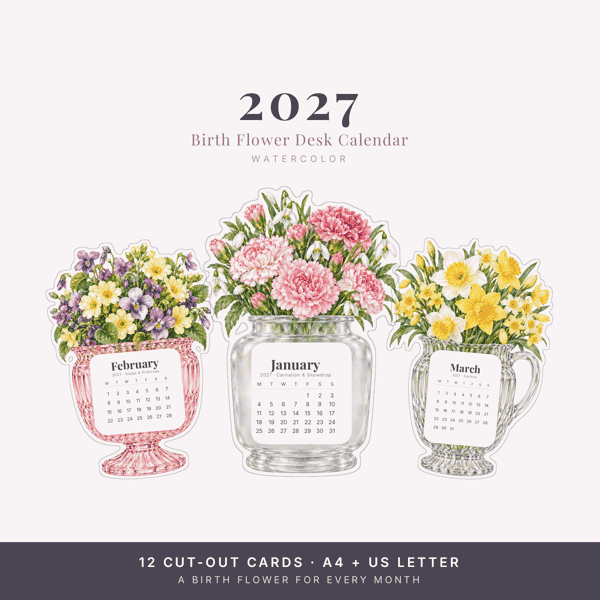
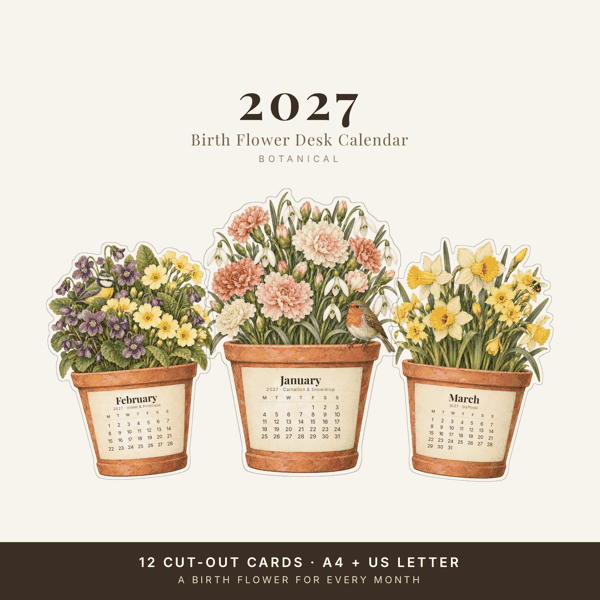
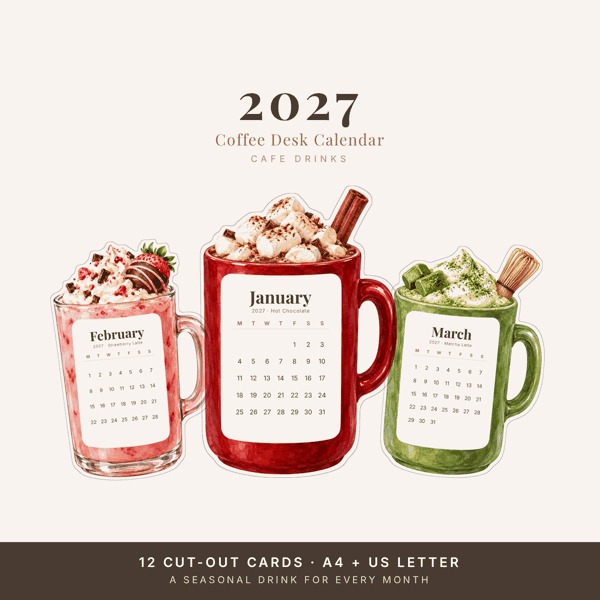
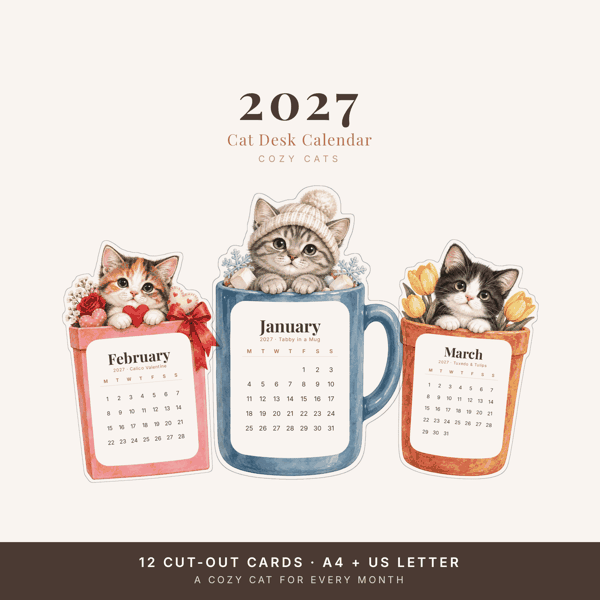
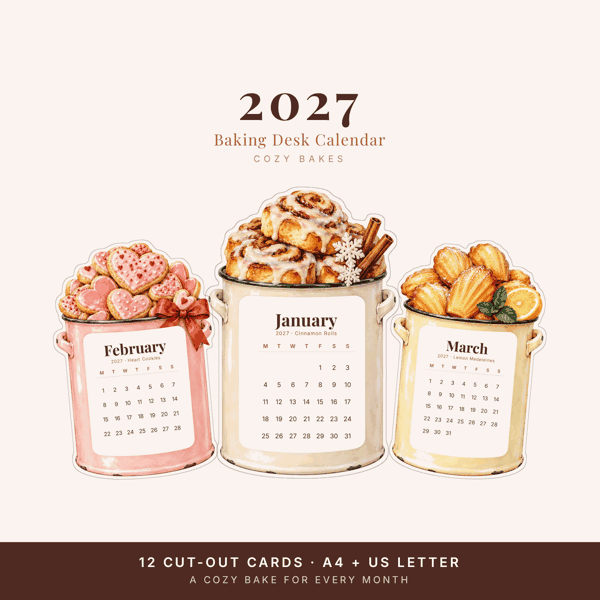
Short answer: print the file at Actual size (100%) on card stock of 200–300 gsm (65–110 lb), cut each card along the grey line, fold the stand, and put this month’s card on it. It takes about as long as a cup of tea.
What you need
- The PDF in your paper size - A4 or US Letter - with Monday or Sunday as the first day of the week
- Card stock, 200–300 gsm (65–110 lb). Ordinary copy paper works, but the card will not stand up on its own
- Scissors, or a craft knife and a ruler for straighter edges
- A little glue for the stand - or a mini easel or a place-card holder instead
1. Pick the right file
Our desk calendars come as four PDFs: A4 and US Letter, each with a Monday start and a Sunday start. Choose the size of the paper in your printer, and the week start you are used to. Each file holds the twelve month cards, two to a page, plus a page with a fold-up stand.
2. Print at actual size
In the print window, set scaling to 100% / Actual size, not “Fit to page”. Fitting quietly shrinks the page, and the cards come out a little smaller than the stand was made for. If your printer has a paper type setting, choose card stock or heavy paper so the ink dries properly.
Print one page first and check it before you print the rest.
3. Cut the cards
Cut each card along the grey line. Straight lines go faster with a craft knife and a metal ruler on a cutting mat; scissors are fine for the curves. Keep the cards for the coming months together in an envelope so the set stays flat.
4. Fold the stand
Cut out the stand, fold it along its lines and glue the tab. Stand the card of the month against it beside your keyboard. If you would rather not glue, a mini easel or a place-card holder does the same job.
Common questions
My printer will not take card stock. What now?
Print on ordinary paper and glue the page onto thin card before you cut. The result is just as stiff.
The cards came out smaller than expected.
The print window was set to fit the page. Print again at 100% or “Actual size”. Our printing guide shows the two settings to check.
Can I print a card again if I spill coffee on it?
Yes - print as many copies as you need for yourself. The files are for personal use, so please do not share or resell them.